English
 Español
 Português
 русский
 français
 日本語
 Deutsch
 Tiếng Việt
 Italiano
 Nederlands
 ไทย
 Polski
 한국어
 Svenska
 magyar
 Malay
 বাংলা
 Dansk
 Suomi
 हिन्दी
 Pilipino
 Türk
 Gaeilge
 عربى
 Indonesia
 norsk
 اردو
 čeština
 Ελληνικά
 Українська
 Javanese
 فارسی
 தமிழ்
 తెలుగు
 नेपाली
 Burmese
 български
 ລາວ
 Latine
 Қазақ
 Euskal
 Azərbaycan
 slovenský
 Македонски
 Lietuvos
 Eesti Keel
 Română
 Slovenski
 Српски
 Беларус


Proper UPS installation and maintenance prevents unexpected downtime and extends the lifespan of your UPS and Batteries. Learn practical routine checks for your UPS system.
Uninterruptible power supplies (UPS) serve as critical power protection for home offices, medical equipment, data centers, industrial automation systems and other high-value devices. Many power failures and premature UPS breakdowns stem not from product quality defects, but from improper installation and insufficient regular maintenance. With simple, routine inspections, you can maximize the service life of your UPS and avoid costly losses caused by unexpected power outages.
Installation Precautions:
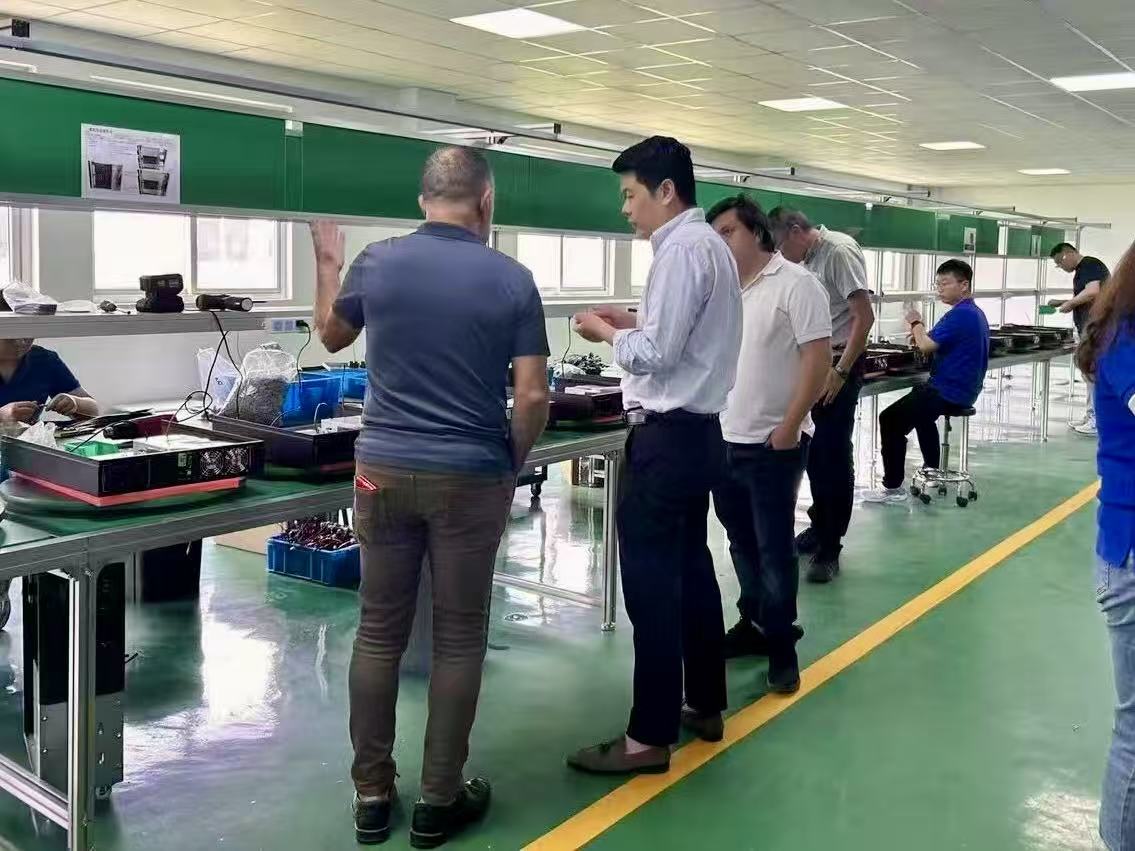
To ensure safety, cut off the AC breaker before installation. For long-backup-time models, the battery breaker must also be switched off. Installation and wiring must be carried out by qualified professionals in compliance with local electrical codes, and the UPS must be properly grounded.
Inspect the UPS for any visible damage caused during transportation; if damage or missing parts are found, do not power on the unit and immediately notify the carrier and your dealer. The rated current of the AC power switch must exceed the maximum input current of the UPS, otherwise the switch may overheat and burn out. When wiring, ensure all input and output cables are securely fastened to their corresponding terminals.
Battery Inspection and Maintenance:
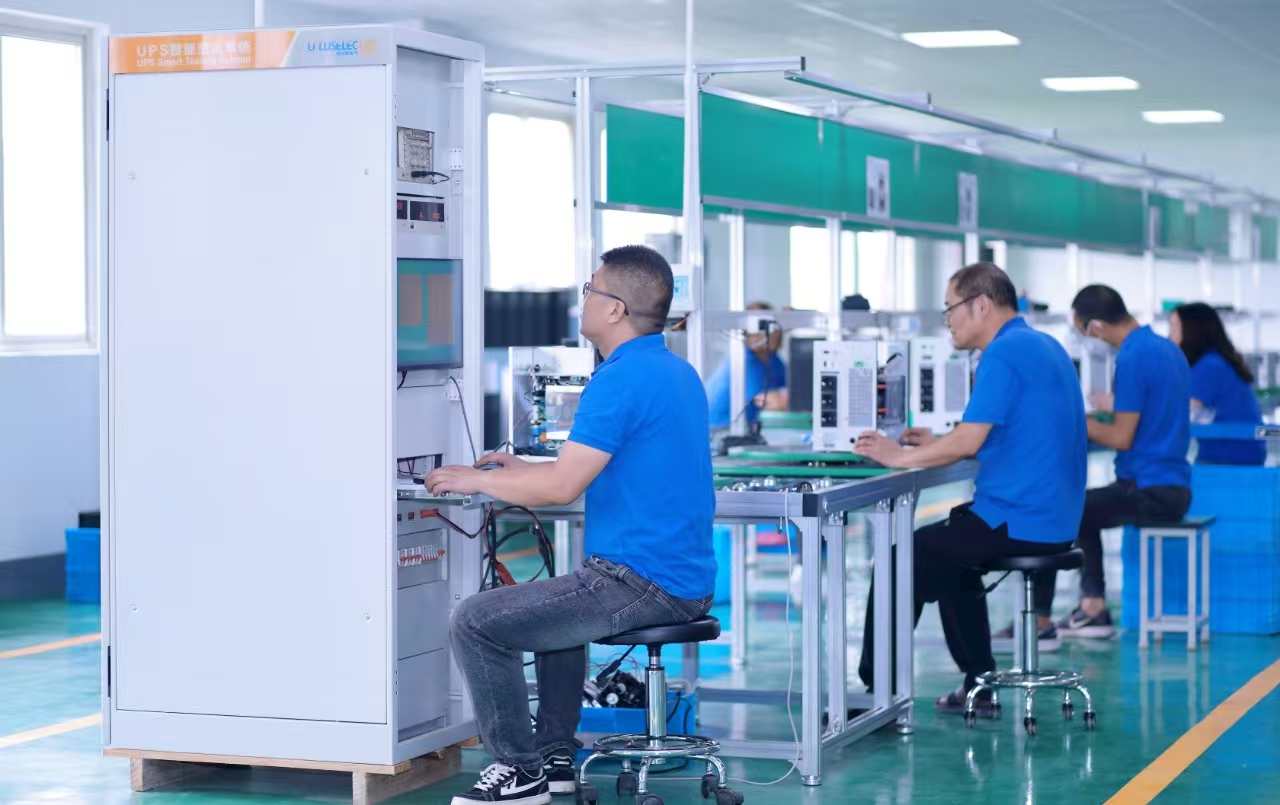
Battery health is always of paramount importance. Valve-regulated lead-acid (VRLA) batteries and lithium batteries are considered consumable components within UPS systems. The batteries in UPS are sealed, low-maintenance units that simply require regular charging to ensure they reach their expected service life. When connected to utility power—regardless of whether the UPS is powered on or off—the unit continuously charges the batteries and provides protection against overcharging and deep discharging.
If the UPS is not to be used for an extended period, it should be charged once every four to six months. In regions with high ambient temperatures, the batteries should undergo a charge-discharge cycle every two months, with each charging session lasting no less than 12 hours.
Avoid replacing batteries with incompatible alternatives. Some users select low-cost, mismatched batteries, whose differing internal resistance, charging profiles and quality standards pose risks to the UPS inverter. Always use batteries approved for your UPS model. Replace batteries promptly once their performance degrades, and have the replacement carried out by qualified technicians, ensuring the quantity and specifications match the original requirements.
UPS SYSTEM Status and Environment:
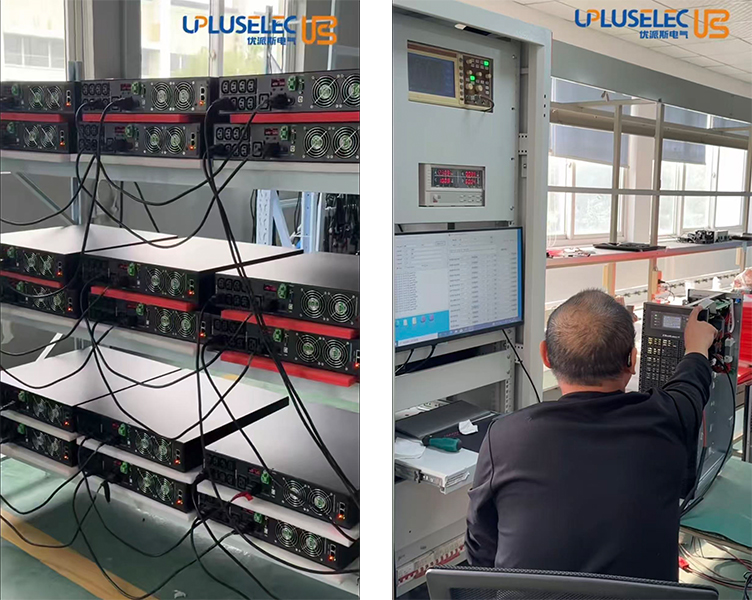
Please regularly check the environment and status of the UPS unit. Running the UPS in a hot, closed room. Many users place the UPS in a small storage corner without ventilation. Continuous high temperature speeds up battery degradation and ages power modules.
Keep the air inlet and outlet free of dust buildup, which impairs heat dissipation and triggers over-temperature alarms. Check the LCD panel for abnormal warning codes, and regularly test the bypass function and EPO (Emergency Power Off) button following the user manual.
Do not overlook load conditions. Both prolonged light loading and continuous overload will damage the UPS. Maintain the operating load within the recommended range. If a generator is frequently used with the UPS on-site, verify their compatibility during every maintenance cycle.
Recording all inspection results and regularly updating maintenance logs helps you detect gradual changes, allowing you to schedule the replacement or servicing of PCB boards, batteries, or other components in advance. Planned maintenance is significantly more cost-effective than emergency repairs following a power-related incident.